
Choose your workout
Find a session that fits your time and experience.
The Resistance Band Training app
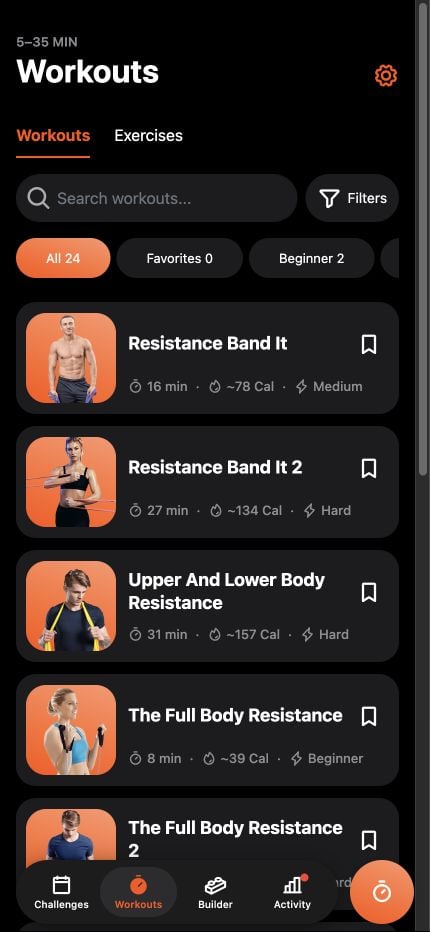
Choose a guided workout, follow exercise instructions and voice cues, or build your own routine.
5–35 minute workouts · Offline after installation
See how it works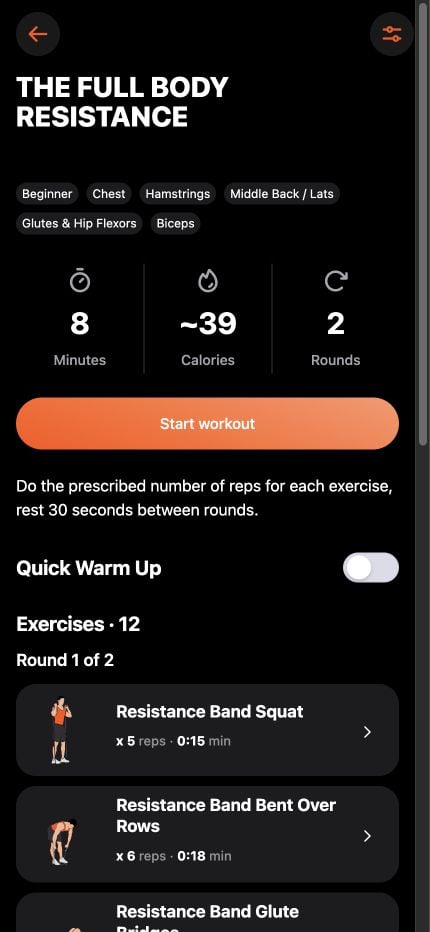
Find a session that fits your time and experience.
Check the movements and equipment before you begin.
Let the timer and voice cues guide you. Pause whenever you need.
Guided workouts
Preview the exercises, reps, and rounds before you start. Then follow the timer and voice cues through your session.
Workout builder
Choose exercises from the library and set the work, rest, and rounds to fit your day.
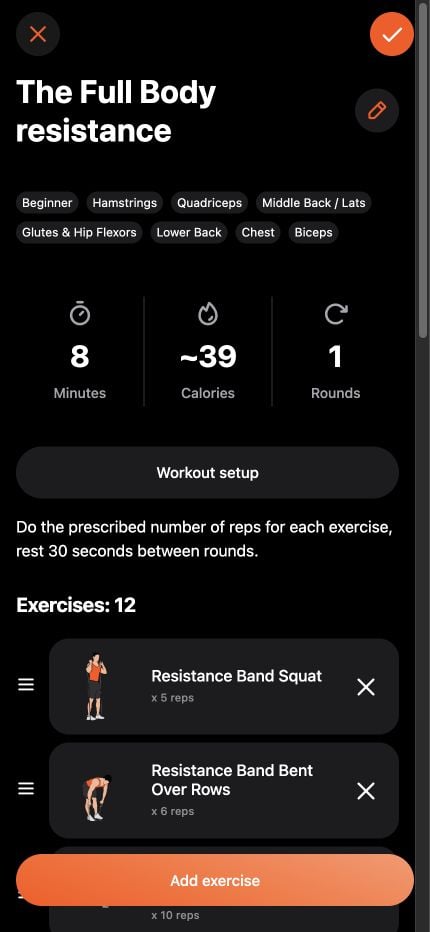
Save your routine so it’s ready when you are.
Build yours in the appStart with what you own
Handles, a short loop, or a long band? Identify your equipment and explore the exercise setups shown in Band.
Exercise library
Explore resistance-band and bodyweight exercises, with instructions and muscle groups to help you choose your next movement.
Bring a suitable band and room to move. Some exercises also need a mat or anchor — check the exercise before you start.
Browse the exercise library →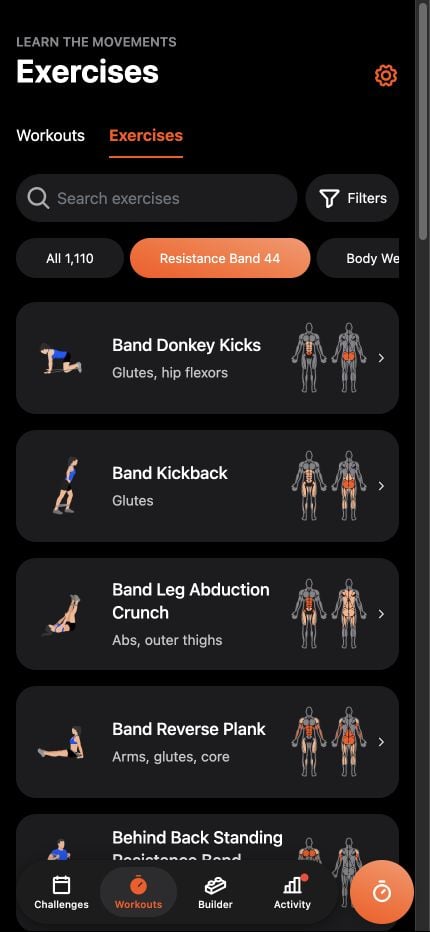
Exercise demonstrations
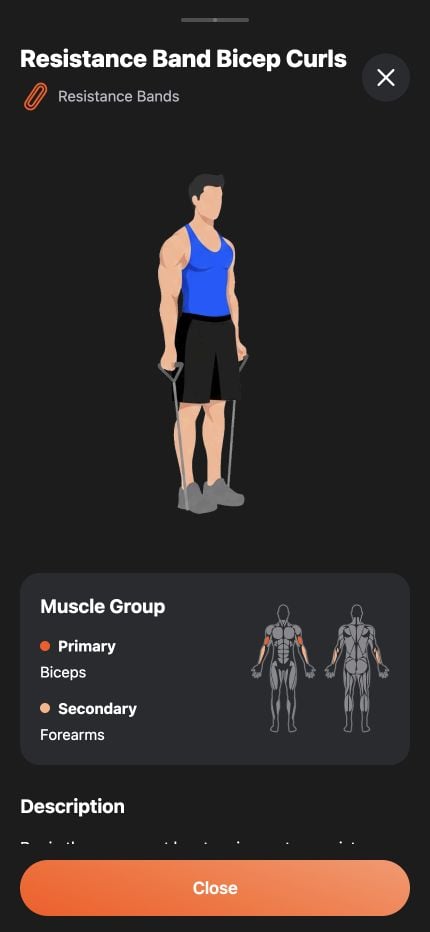
Open an exercise to preview the demonstration, see the muscles it targets, and read the instructions before you begin.
See the exercise demonstrated in the app.
Check the primary and secondary muscle groups.
Review the setup and movement cues at your own pace.
A few things worth knowing before you start.
The app is free to download and includes a selection of workouts. Additional workouts may require Pro access. Available purchases, prices, and renewal terms are shown in the app before you pay and can vary by platform, region, and version.
Yes. Start with the beginner guide, then preview a workout that matches your experience. Try a few controlled movements, take breaks, and pause whenever you need. You do not have to complete every interval to make a start.
Read the beginner guideYou need a resistance band suitable for the exercises you choose, your phone, and enough clear space to move. Some exercises need a mat or a suitable anchor. Check each exercise and your band manufacturer’s instructions before starting.
The app's included workouts and interval timing work offline after installation. An internet connection is needed to download or update the app, make or restore purchases, and open website links. Check your workout and sound settings before heading offline.
Still have a question? Contact support
Free to download, with a selection of workouts included. Additional workouts may require Pro access.